
How to Redeem a Coupon Code
To redeem a discount code on the, start by adding your desired items to the cart and proceed to the checkout page.
At the top of the checkout page, you’ll see a link labeled “Have a discount code ? Click here to apply”
Simply enter your discount code into the box and click “Apply Coupon”
Once applied, your discount will be calculated and reflected in your order summary, ensuring you can review the final price before completing your purchase.
How to Redeem Store Credit
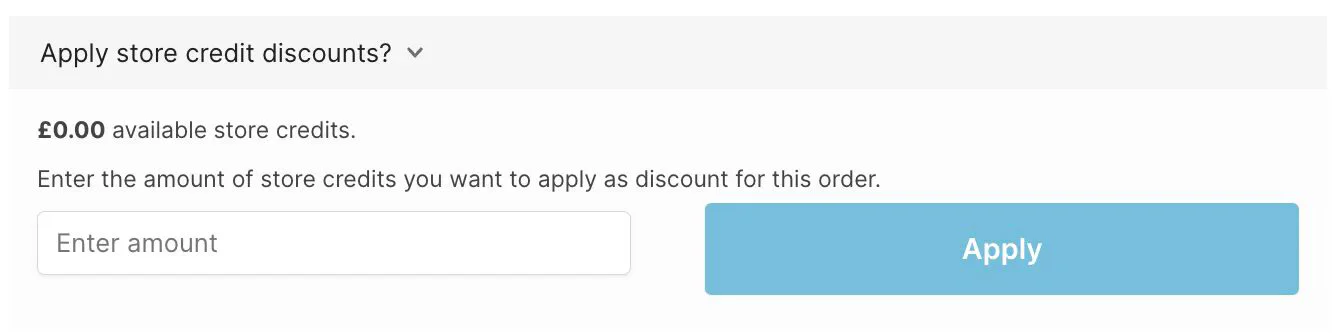
Redeeming store credit is straightforward. After adding your chosen items to the cart, head to the checkout page. Above the payment options, under your order total, you’ll find an option to apply store credit.
Click the “Apply” button to use the available credit, which will then be deducted from your order total. You can use all of your credit or part of it towards your purchase. This adjustment will be visible in your final order summary, making it easy to see how much you’ve saved.
Comments
0 comments
Please sign in to leave a comment.